
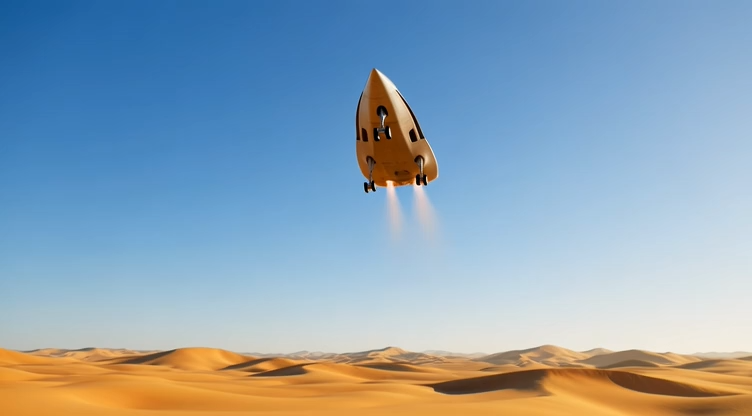
Motion Control AI - Animate Images from Reference Videos
Create dynamic AI videos online with Kling Motion Control AI. Precisely control character actions, facial expressions, and motion trajectories via reference images and videos.
💡 Best for single-person videos with realistic motion and smooth human limbs.
The character actions in the generated video are consistent with the reference video. Supports .mp4/.mov, 3.5-30 seconds duration depending on Character Orientation.
[Controls character's orientation. 'image': same orientation as the person in the picture (max 10s video). 'video': consistent with the orientation of the characters in the video (max 30s video).]
Whether to keep the original sound of the video.
Real-World Motion Effects via Motion Control AI
Precision in Hand Performances
Captures intricate hand movements and gestures with high fidelity, ensuring distinct finger articulation and fluid motion transfer from the reference video to the target character.

Perfectly Synchronised Full-Body Motions
Delivers coherent and coordinated full-body animation where the generated character's posture, limb movements, and overall orientation perfectly mirror the reference video.
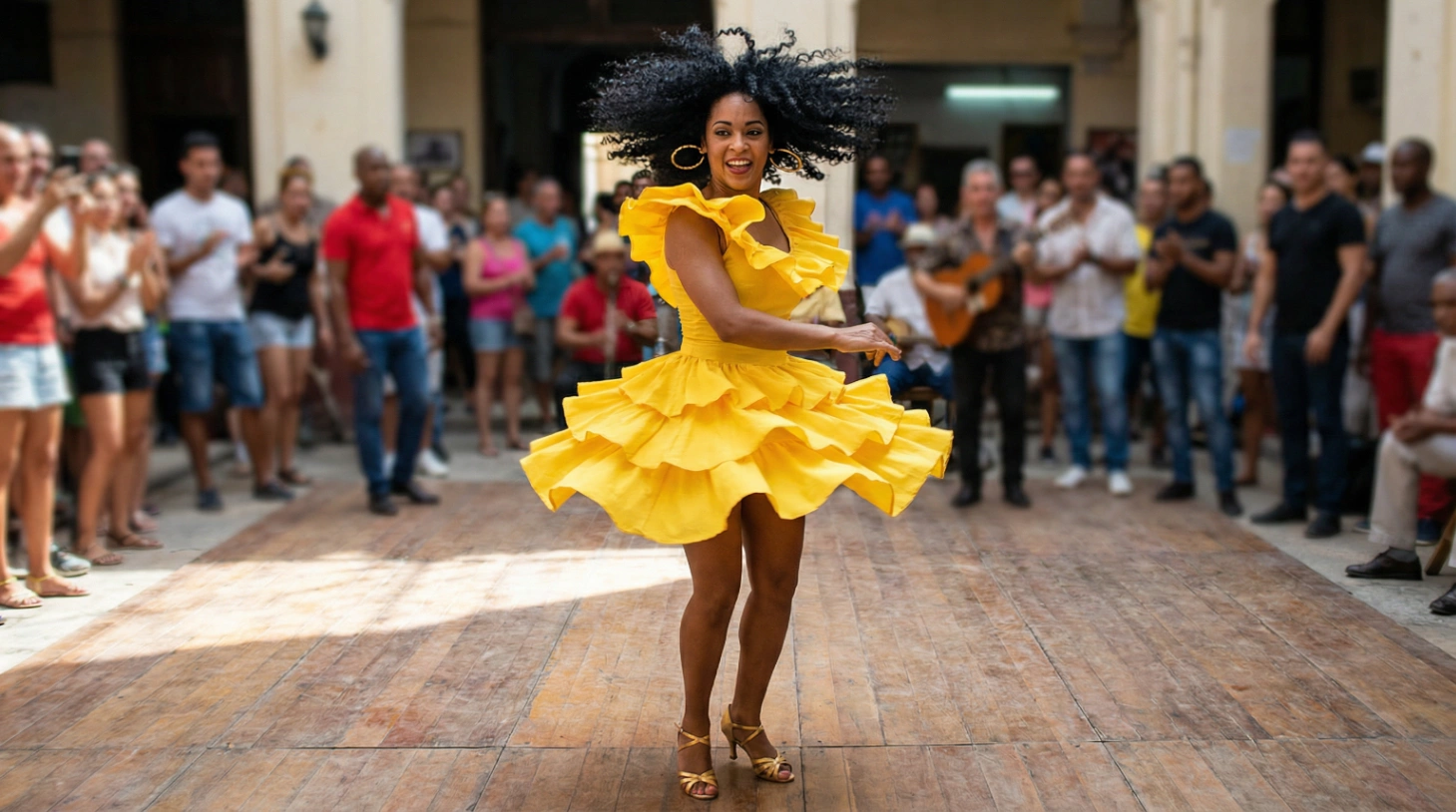
Masterful Performance of Complex Motions
Handles dynamic and challenging action sequences with ease, translating complex athletic or dramatic movements to the target character while preserving consistency and realism.
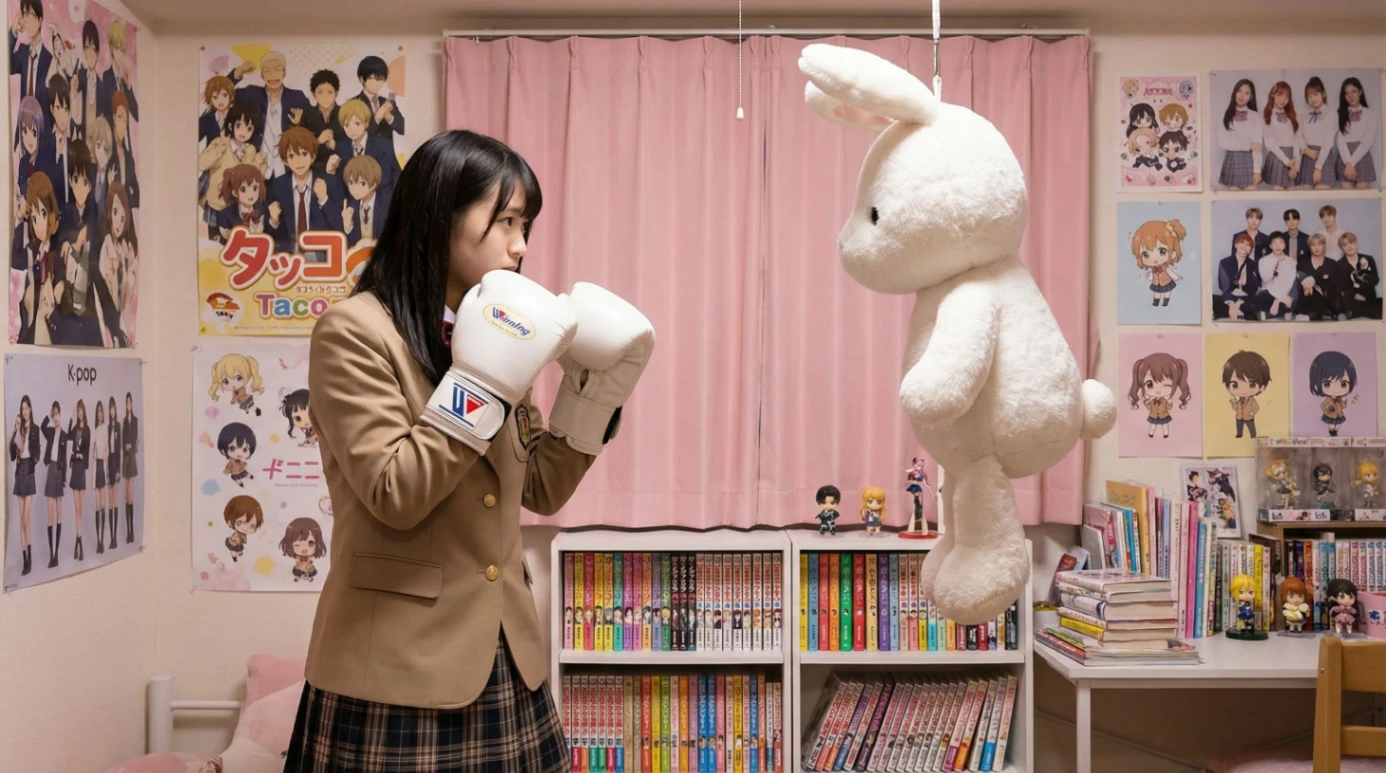
Scene Details at Your Command
Combines motion control with text prompts to customize background elements and interactions, allowing for the addition of new characters or environmental changes while maintaining the original motion trajectory.
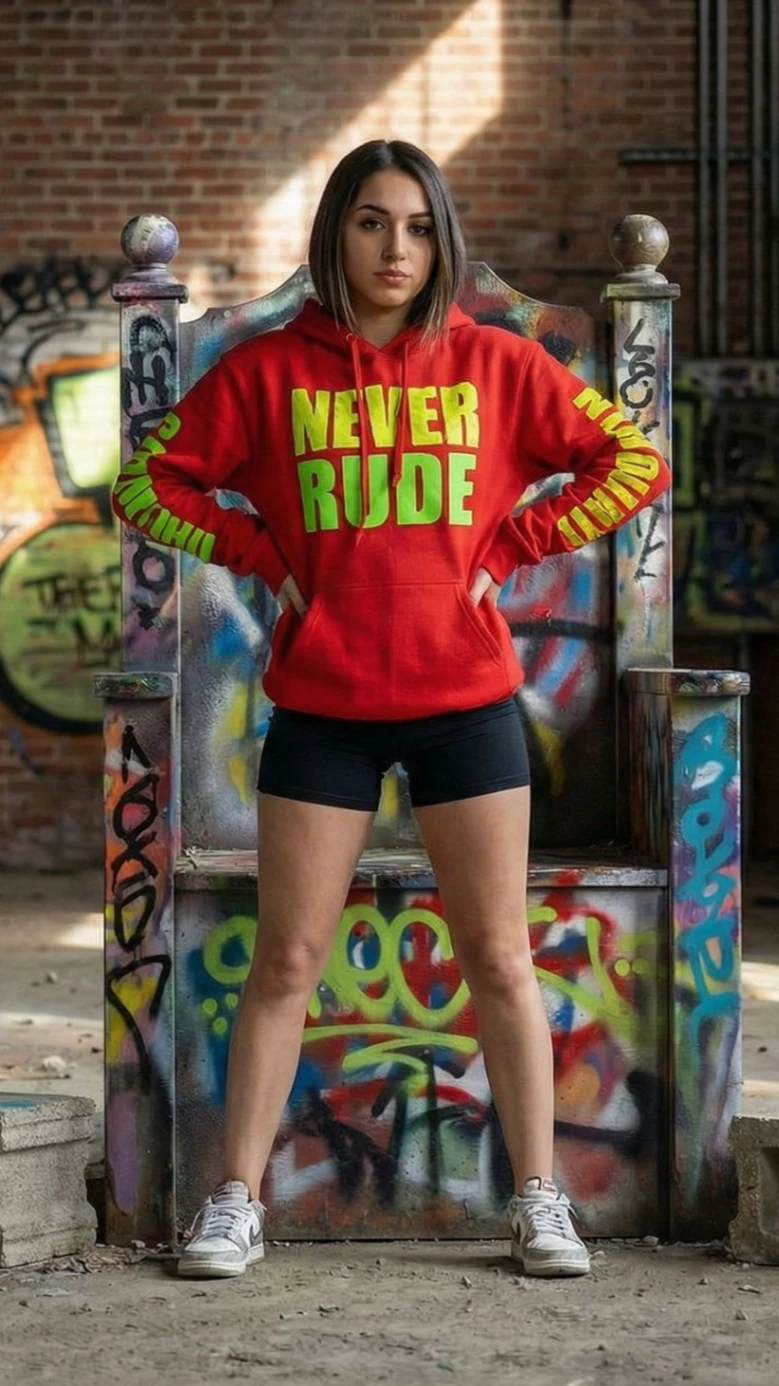
Superior Character Consistency
Maintain subject identity perfectly. Unlike older models that morph faces, Kling Motion Control ensures your character's features and attire remain consistent throughout the video generation process, making it ideal for storytelling.
Photorealistic AI Engine
Experience the next leap in AI visual quality. The Kling 3.0 architecture delivers high-definition output with physically accurate lighting, fluid textures, and realistic physics that rival traditional CGI rendering.
Complex Action Control
Command complex movements with ease. Whether it is a subtle facial expression change or a full-body action sequence, Kling AI interprets your prompts and reference images to execute dynamic, believable actions.
Cinematic Camera Moves
Direct your AI video like a pro. Control pans, tilts, and zooms alongside subject motion. Kling Motion Control gives you the power to compose dynamic shots that elevate your visual narrative.
Precise Motion Trajectories
Go beyond random animation. With Kling Motion Control, you gain complete command over motion trajectories. Simply use natural language descriptions to guide character movements or camera work, ensuring the final output aligns precisely with your directorial vision.
Rapid Video Generation
Accelerate your creative workflow. Optimized for performance, our platform reduces rendering times for Image-to-Video tasks, allowing you to iterate quickly and produce professional clips in minutes, not hours.