
Generate Motion Poster from Image with Kling AI
Transform your images into stunning motion posters with Kling Video 2.6 Pro AI model. Create captivating video content from static images in seconds.
The generated video will appear here.
You can view your videos from the "My Creations" menu.
Motion Poster Effects via Kling AI Control
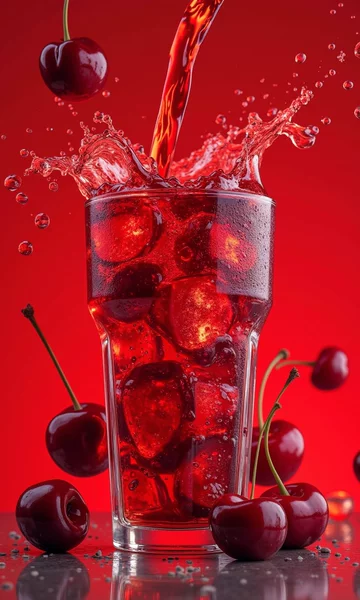
Motion Control Effects via Kling AI


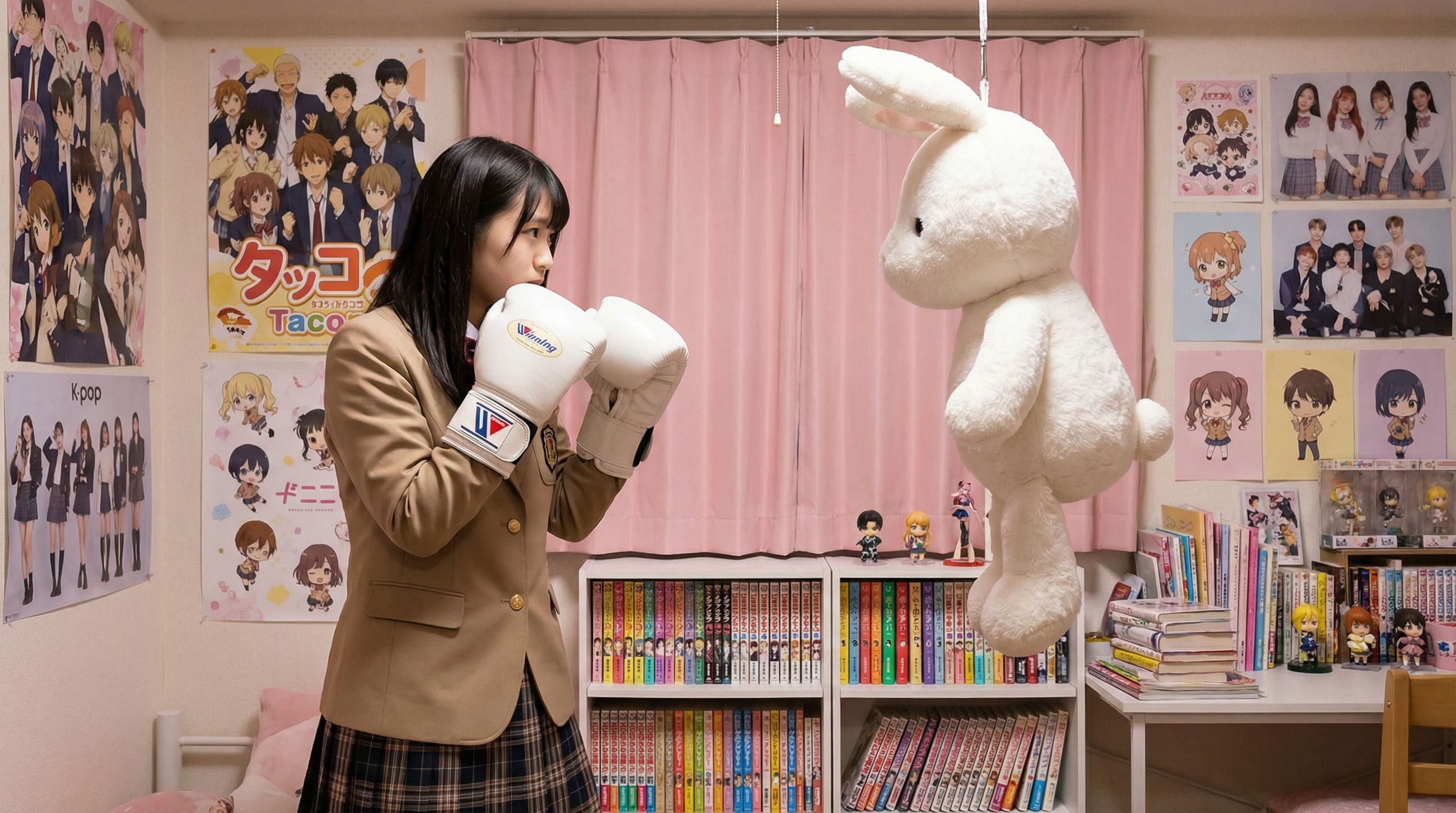
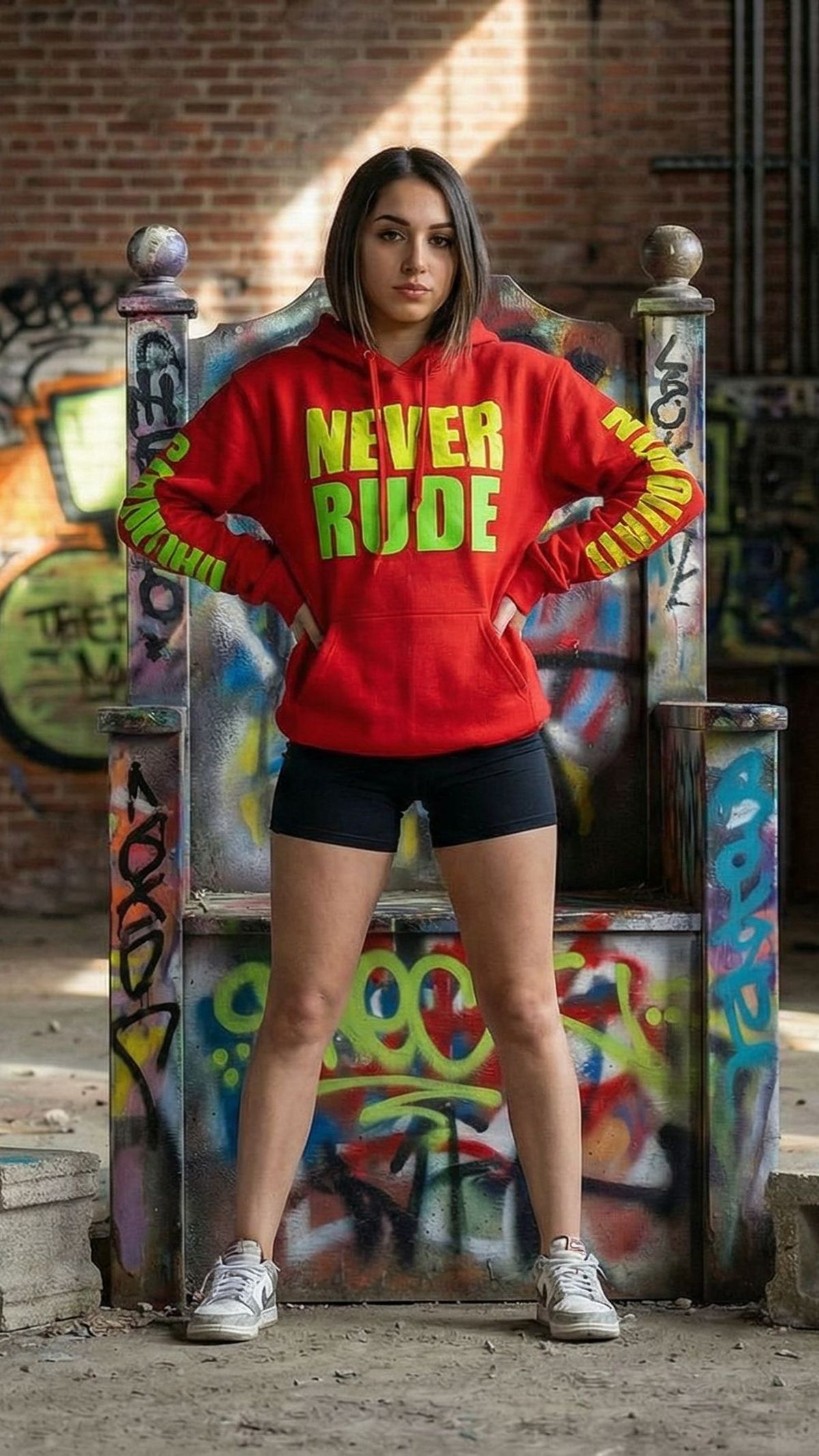
Social Media Advertising
Dominate feeds on Instagram, TikTok, and Facebook. Motion posters are proven to stop the scroll, delivering higher engagement rates and click-throughs compared to static image ads by adding eye-catching movement to your key visuals.
E-commerce Product Showcases
Bring your products to life. Use motion posters to simulate product usage, show 360-degree views, or add subtle particle effects to luxury items, helping customers better visualize details and increasing conversion rates.
Event & Movie Promotion
Create cinematic hype. Whether it's a film release, music concert, or webinar, dynamic motion posters capture the atmosphere and energy of the event far better than text, making them ideal for teasers and announcements.
Digital Signage & DOOH
Stand out in the physical world. Transform static digital billboards in malls, airports, or subway stations into living displays. Motion attracts the human eye naturally, ensuring your brand message is seen by passersby.
Email Marketing Campaigns
Boost your open and click rates. Embed lightweight motion posters (as GIFs or video loops) in your newsletters to break the monotony of text, creating a more interactive and premium reading experience for your subscribers.
Personal Branding & Portfolios
Elevate your personal image. Designers, photographers, and influencers can use motion posters to turn static portfolio pieces into engaging showreels, demonstrating creativity and technical skill to potential clients.